
TLDR
The best UX research tool depends on whether your team needs a specialist platform or a research operating system. Specialist tools can be strong for prototype testing, research repositories, surveys, interviews, information architecture, or enterprise panels. Fred is built for teams that need the broader operating layer: study planning, multiple research methods, participant workflows, AI-assisted analysis, insight organization, collaboration, and stakeholder-ready reporting in one connected environment.
What’s Changing in UX Research
Choosing a UX research tool is no longer a simple question of “Which platform runs usability tests?” Product teams now need to connect research questions, study setup, participant context, raw evidence, analysis, insight storage, stakeholder communication, and product decisions.
That is why the UX research software market has become fragmented. Some tools are excellent at fast prototype validation. Others are strong for interview tagging, research repositories, enterprise surveys, moderated sessions, or information architecture testing. These specialist platforms can be valuable, but they often solve one part of the research workflow rather than the whole operating system around research.
For teams that run research occasionally, a specialist tool may be enough. For teams that want research to become a repeatable product decision process, the evaluation changes. The question becomes: can this tool help us plan studies, collect reliable evidence, analyze it with control, organize it for future use, collaborate with stakeholders, and produce reports that support decisions?
This guide compares the main UX research tools through that lens. It explains where specialist tools fit, when a broader ResearchOps platform is needed, and how to choose a setup that matches your team’s maturity, compliance needs, methods, and decision-making process.

What makes a good UX research tool?
A good UX research tool should help your team produce better evidence, not just more feedback. Before comparing platforms, evaluate them against the workflow you need to support.
Method coverage
A research platform should support the methods your team actually uses. That may include usability testing, surveys, interviews, card sorting, tree testing, first-click testing, 5-second tests, preference testing, session recordings, or moderated studies.
A narrow tool can be useful when the problem is narrow. But if your team runs multiple types of studies, relying on separate tools can create duplication, lost context, and manual reporting work.
Analysis and synthesis
Collecting responses is not enough. Teams need to interpret evidence, find patterns, tag findings, compare signals, and connect raw data to decisions.
AI can help with summarization, tagging, clustering, and report drafting, but it should not replace research judgment. Strong platforms keep AI-assisted output reviewable, editable, and connected to source evidence.
Research memory
Research becomes more valuable when it is reusable. A good tool should make it possible to find past studies, inspect evidence, reuse insights, and avoid repeating the same research because nobody remembers where the findings live.
This is where research repositories matter. The repository should not be an archive where findings go to die. It should be a working memory for product decisions.
Collaboration
UX research is rarely consumed by researchers alone. Product managers, designers, engineers, executives, marketers, customer success teams, and clients may all need different levels of visibility.
A useful platform helps teams collaborate without forcing every stakeholder into raw notes, transcripts, or scattered slide decks.
Reporting
The final research output should make decisions easier. Teams need summaries, evidence trails, clips, quotes, charts, recommendations, and clear next steps. If a tool helps collect data but does not help communicate findings, the research impact remains limited.
Compliance and governance
Research data often includes personal information, recordings, behavioral evidence, opinions, and sensitive product feedback. Teams working with European users or regulated industries should consider GDPR, hosting, permissions, consent, retention, auditability, and data processing policies from the beginning.
Collaboration Features
UX research is, by definition, cross-functional. Tools must support commenting, versioning, stakeholder views, and team management across multiple roles or client projects.
Quick comparison of UX research tools
The UX research tools ecosystem has grown rapidly in the last few years, evolving to meet increasingly complex needs across product teams, design organizations, and agencies. As research practices mature and stakeholder expectations rise, the demand for tools that go beyond isolated functions-such as prototype testing or tagging interviews-has become more urgent. Yet despite the growth in choice, many UX teams still find themselves cobbling together workflows across multiple disconnected platforms.
Most popular tools offer depth in specific areas-like qualitative analysis, survey logic, or design validation-but very few provide a unified experience that spans from recruitment to analysis to reporting. As a result, researchers are often forced to work around the limitations of their toolsets, making trade-offs between speed, insight quality, and collaboration.
| Tool | Best For | Core Research Methods | Strengths | Limitations | Best Team Fit |
|---|---|---|---|---|---|
| Fred | Research operating system for product and research teams | Usability testing, card sorting, tree testing, first-click tests, 5-second tests, preference tests, surveys, UserSphere sessions, AI-assisted synthesis, reporting | Connects study planning, methods, participant workflows, analysis, repository, collaboration, and stakeholder-ready reports in one workflow | Younger platform than some legacy tools and still expanding integrations | Teams that need research to become an operating rhythm, not a disconnected set of tools |
| Maze | Rapid prototype testing and lightweight validation | Prototype tests, usability tests, surveys, card sorting | Fast setup, strong design workflow, useful for quick product experiments | Less depth for qualitative synthesis, long-term research memory, and complex ResearchOps workflows | Designers and product teams validating prototypes quickly |
| Dovetail | Research repositories and synthesis | Transcripts, tagging, highlights, themes, qualitative analysis, insight repositories | Strong repository, tagging, synthesis, and research knowledge management | No native usability testing, card sorting, survey, or participant workflow capabilities | Research teams that already collect data elsewhere and need to organize insights |
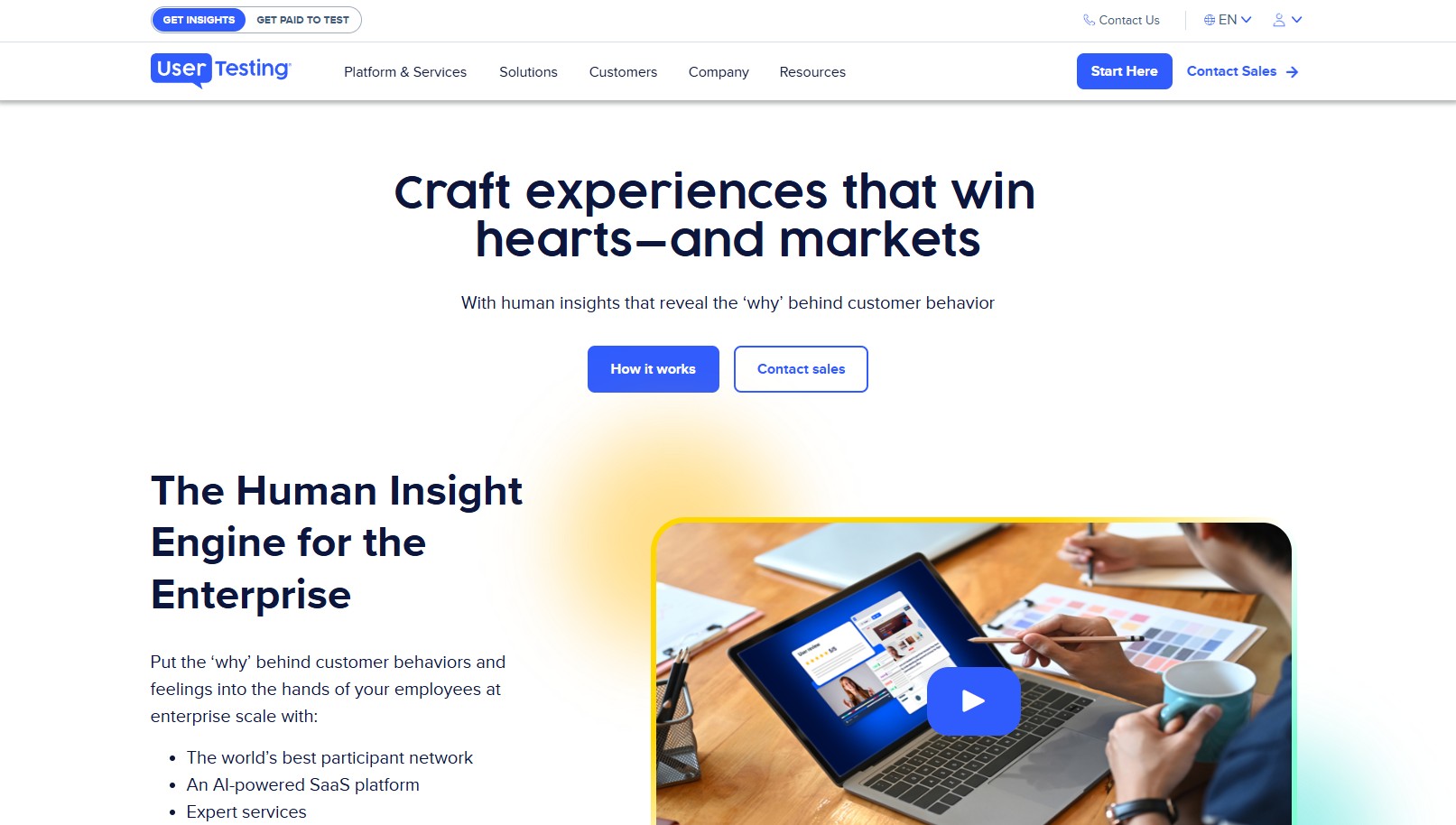
| UserTesting | Enterprise video-based user feedback | Moderated testing, unmoderated testing, video studies, participant panel research | Large participant network, mature testing infrastructure, strong video feedback workflows | Higher cost, enterprise complexity, and possible need for separate repository or reporting tools | Enterprise product and research teams running regular video-based studies |
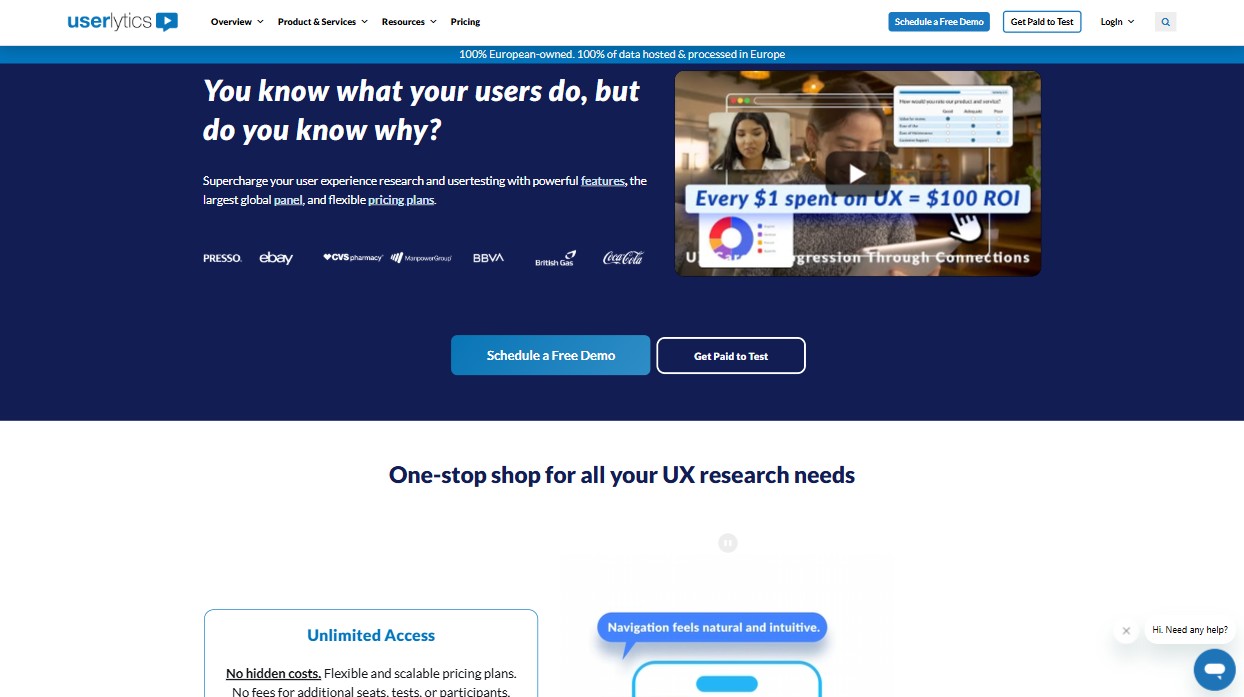
| Userlytics | Global moderated and unmoderated user testing | Moderated tests, unmoderated tests, interviews, video feedback, participant recruitment | Broad testing coverage and useful international participant access | Can feel more complex than lightweight tools for small teams or simple validation workflows | Teams that need flexible user testing across multiple regions |
| Lookback | Live interviews and moderated research | Remote interviews, live usability sessions, observation, note-taking | Excellent live collaboration and observation experience for moderated sessions | Not a full research repository, survey platform, or all-in-one ResearchOps system | Research teams focused on interviews and live moderated studies |
| LoopPanel | Interview analysis and lightweight synthesis | Transcription, interview notes, tagging, summaries, clips | Speeds up interview analysis and makes synthesis easier for small teams | Limited method coverage outside interviews and no full testing suite | Small research teams, founders, and product managers running frequent interviews |
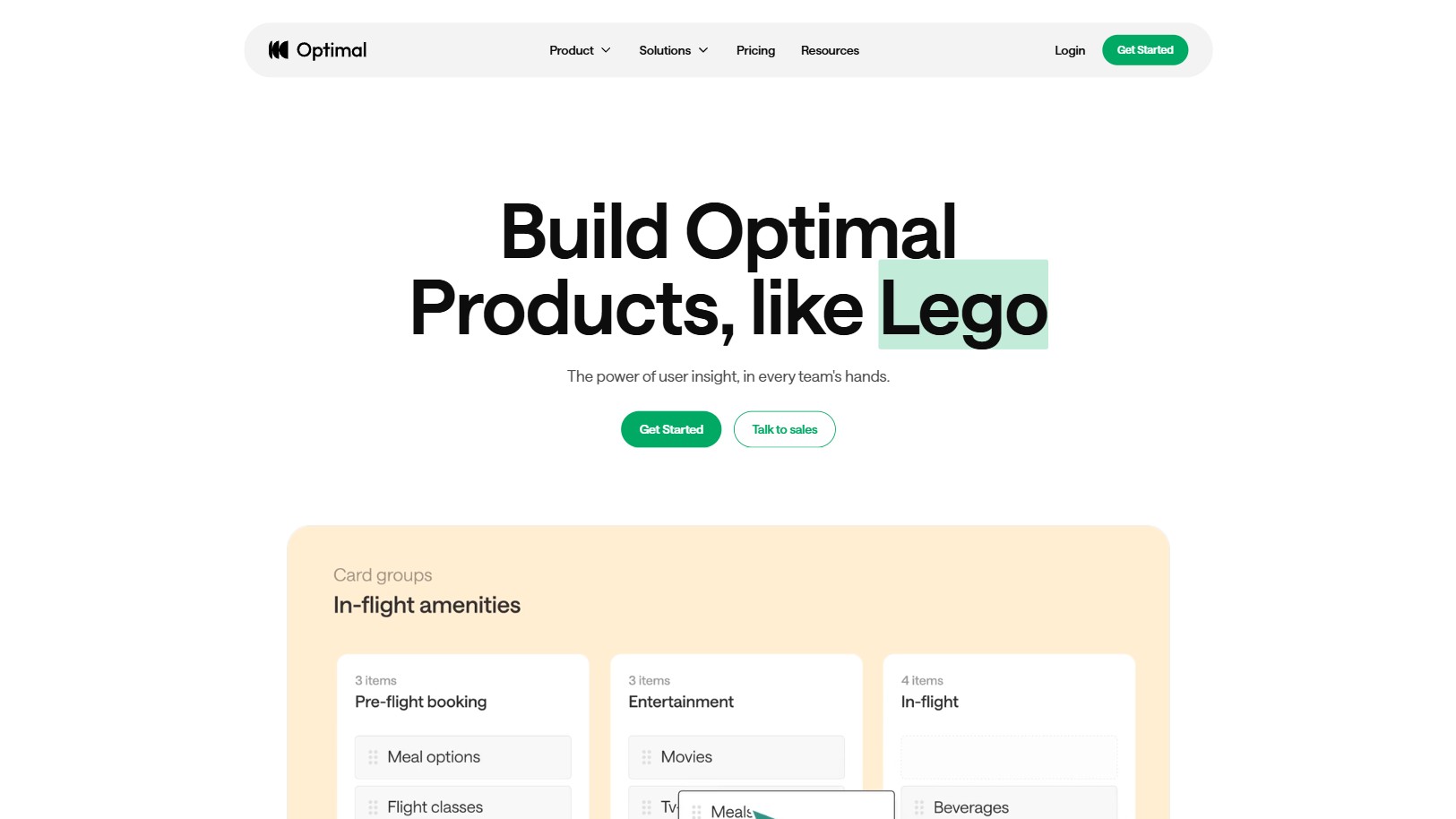
| Optimal Workshop | Information architecture and navigation research | Open card sorting, closed card sorting, hybrid card sorting, tree testing, first-click testing | Strong specialist tool for navigation, taxonomy, findability, and IA decisions | Narrow method coverage beyond information architecture research | UX, content, and product teams improving navigation and information architecture |
| Qualtrics | Enterprise surveys and experience analytics | Surveys, segmentation, dashboards, customer experience analytics, employee experience research | Powerful survey logic, analytics, segmentation, and enterprise governance | High cost, steep learning curve, and less suited to fast UX-specific workflows | Large enterprises and CX teams running complex quantitative programs |
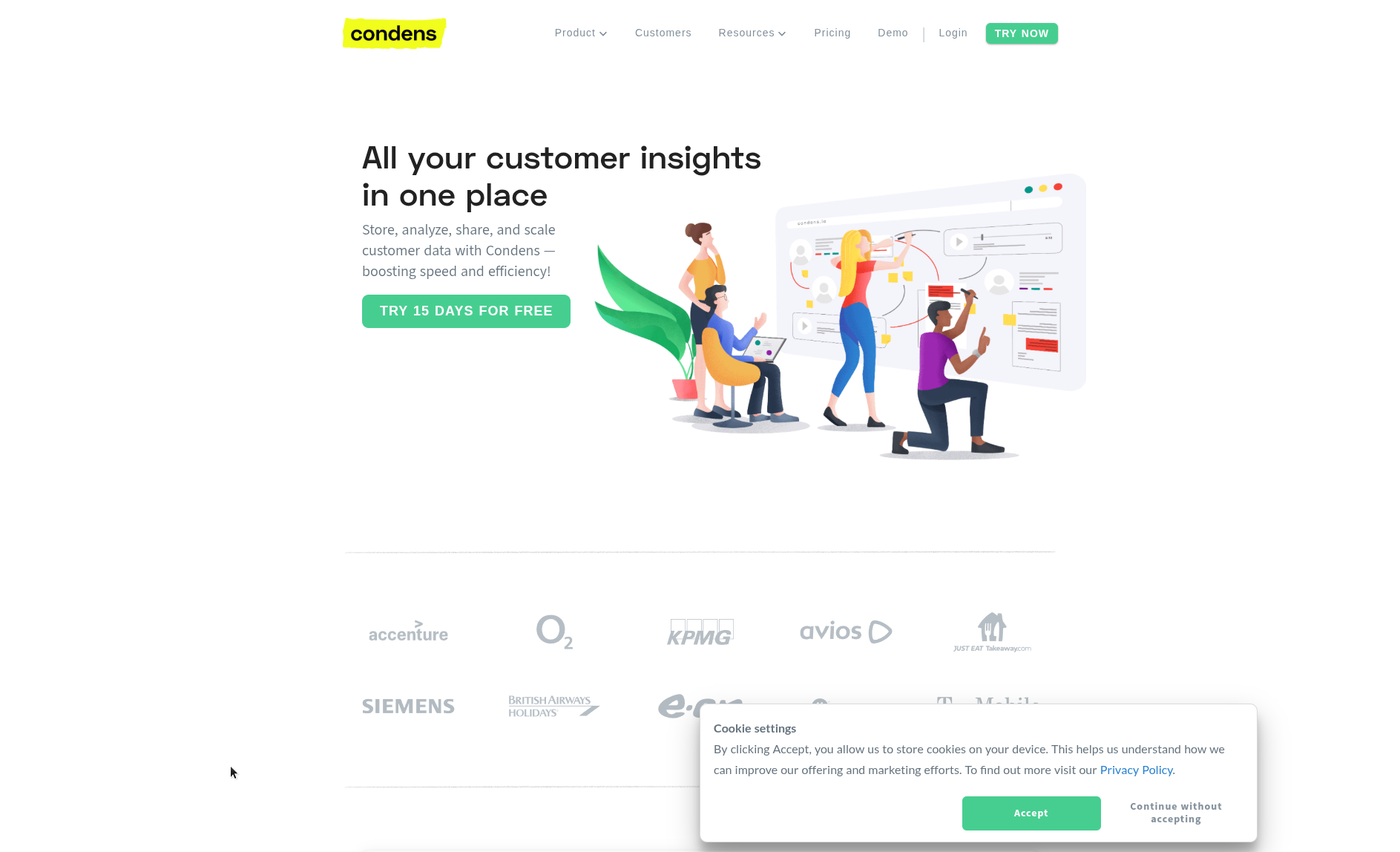
| Condens | Qualitative research repositories | Tagging, transcripts, highlights, themes, insight storage, qualitative synthesis | Good structure for long-term qualitative research storage and analysis | No full usability testing, survey, card sorting, or participant workflow suite | Research teams that need structured qualitative insight management |
| UXtweak | Broad UX testing at accessible pricing | Usability testing, surveys, card sorting, tree testing, session recording | Wide method coverage and practical pricing for teams that need multiple testing methods | Interface and workflow can feel dense compared with more focused tools | Teams that want broad UX testing capabilities without enterprise pricing |
| Useberry | Lightweight prototype validation | Prototype testing, click tests, design validation, Figma-based flows | Easy workflow for designers and fast feedback on prototype interactions | Limited research breadth, repository depth, and ResearchOps capabilities | Designers and small product teams validating flows quickly |
Specialist tools vs research operating systems
Most UX research tools fall into two broad categories: specialist tools and operating systems.
Specialist tools solve a focused problem well. Maze helps teams validate prototypes quickly. Dovetail helps teams store and synthesize research. Optimal Workshop supports information architecture studies. Qualtrics handles complex surveys and enterprise analytics. Lookback supports live moderated sessions.
These tools are useful when the research problem is specific. If a team only needs to run a tree test, a specialist tool may be enough. If a team only needs to analyze interview transcripts, a repository or synthesis tool may be enough.
A research operating system solves a broader problem. It supports the workflow around research: planning, methods, participants, evidence, analysis, repository, collaboration, reporting, and decisions. This matters when research is not an occasional task, but part of how product decisions are made.
Fred belongs in this second category. It is designed for teams that need the operating layer around research, not just another point solution.
Tool-by-tool comparison
Maze
Speed and Simplicity
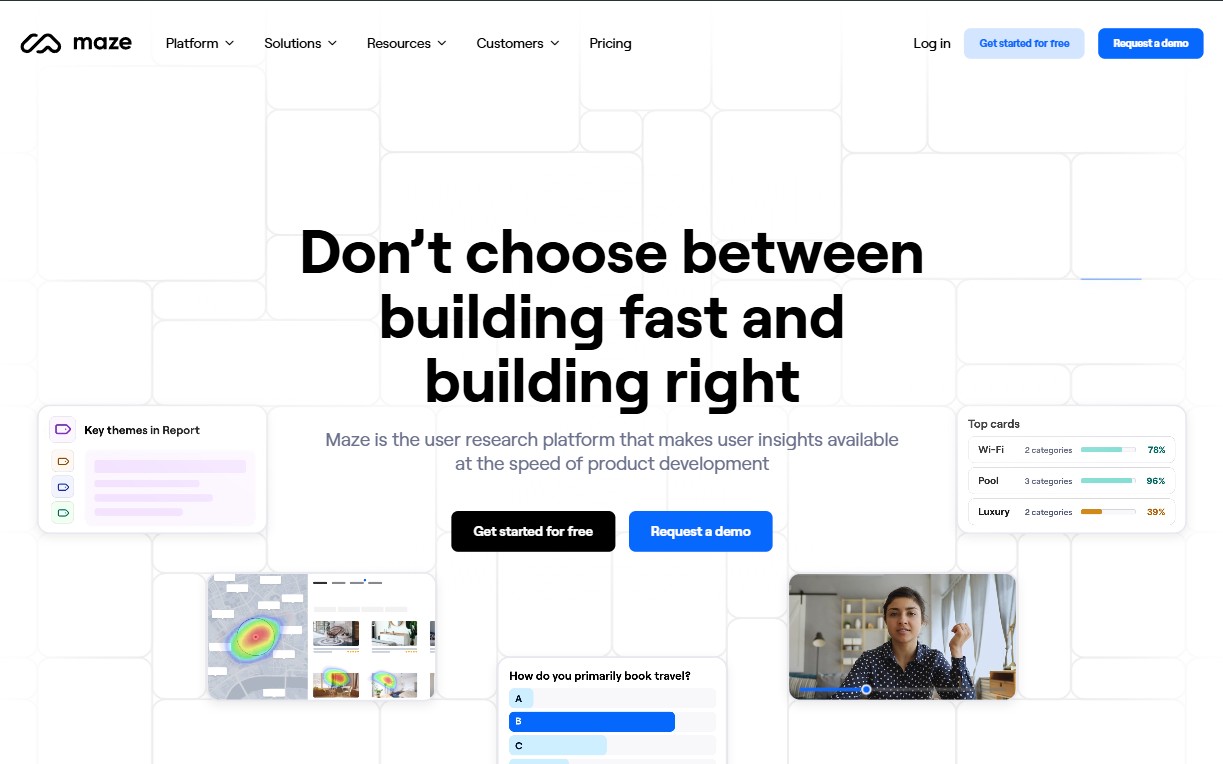
Maze is strong for rapid prototype testing and lightweight validation. It works well when designers and product teams need fast feedback on concepts, flows, and prototypes.
Its main advantage is speed. Teams can set up studies quickly and validate design decisions without building a complex research operation around every test.
The trade-off is depth. Maze is less suited to teams that need rich qualitative synthesis, long-term research repositories, complex reporting, or a full operating layer across methods.
Best for: Lightweight design validation
Where it falls short: Limited insight generation and qualitative depth
Dovetail
Repository-Led Research
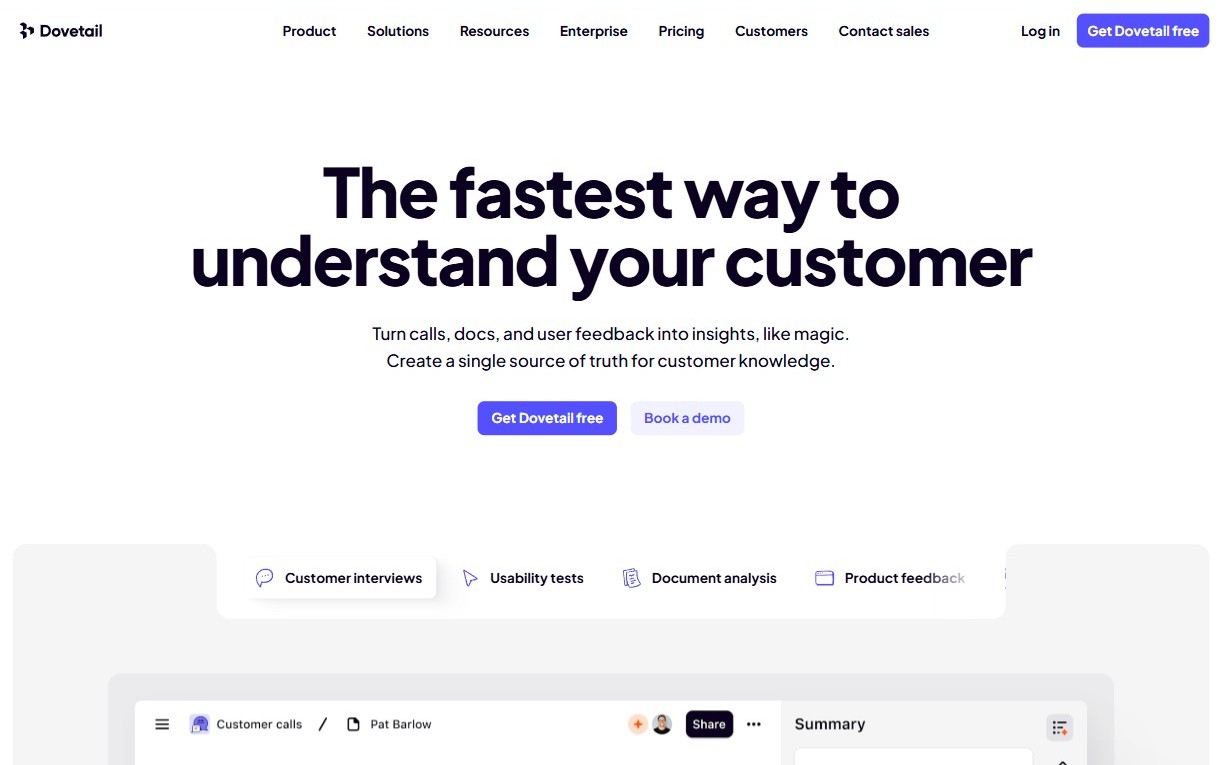
Dovetail is one of the best-known research repository platforms. It helps teams store interview recordings, transcripts, notes, tags, highlights, themes, and insights in one searchable place.Its strength is synthesis and knowledge management. It is useful when a team already collects research through interviews, usability tests, surveys, support conversations, or sales calls, and needs a better way to organize and reuse that evidence. Dovetail is not primarily a testing platform. It does not replace tools for running usability tests, surveys, card sorting, or tree testing. It is strongest as a repository and analysis layer.
Choose Dovetail if your main problem is organizing and synthesizing research data from many sources.
Best for:Research synthesis at scale
Where it falls short: No native research methods or testing capabilities
Qualtrics
Enterprise-Grade Power
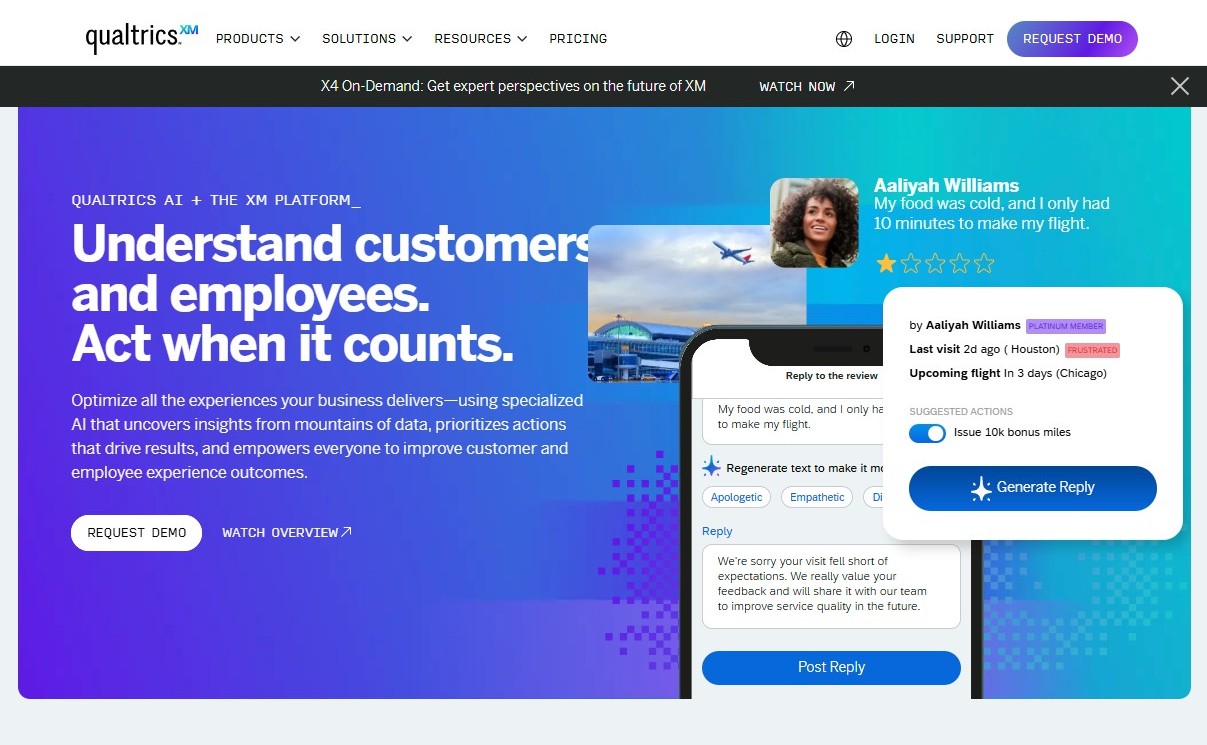
Hands down, Qualtrics is the most advanced enterprise survey platform. It supports complex branching, large scale segmentation, and predictive analytics. Enterprises rely on Qualtrics for customer experience programs, employee experience initiatives, and deep quantitative research. Its pricing and learning curve make it better suited for large organizations rather than small teams or startups. In 2025, Qualtrics maintains leadership for organizations that require statistical depth and global data compliance.
Best for: Large-scale, quantitative studies
Where it falls short: Expensive, complex, less suited to UX and exploratory research
LoopPanel
Interview Tagging, Simplified
Lookback is still the preferred platform for live moderated research. It supports streamed interviews, real time notes, participant observation, and collaborative sessions with stakeholders. It provides a smooth experience for moderated usability testing and interviews. Lookback does not provide a complete unmoderated testing suite, so teams usually integrate it with Maze, UserTesting, or Fred the UXR Shepherd when they need mixed methods.
Best for: Small teams doing moderated interviews
Where it falls short: Limited research method support, minimal automation
Userlytics
Comprehensive Global UX Testing
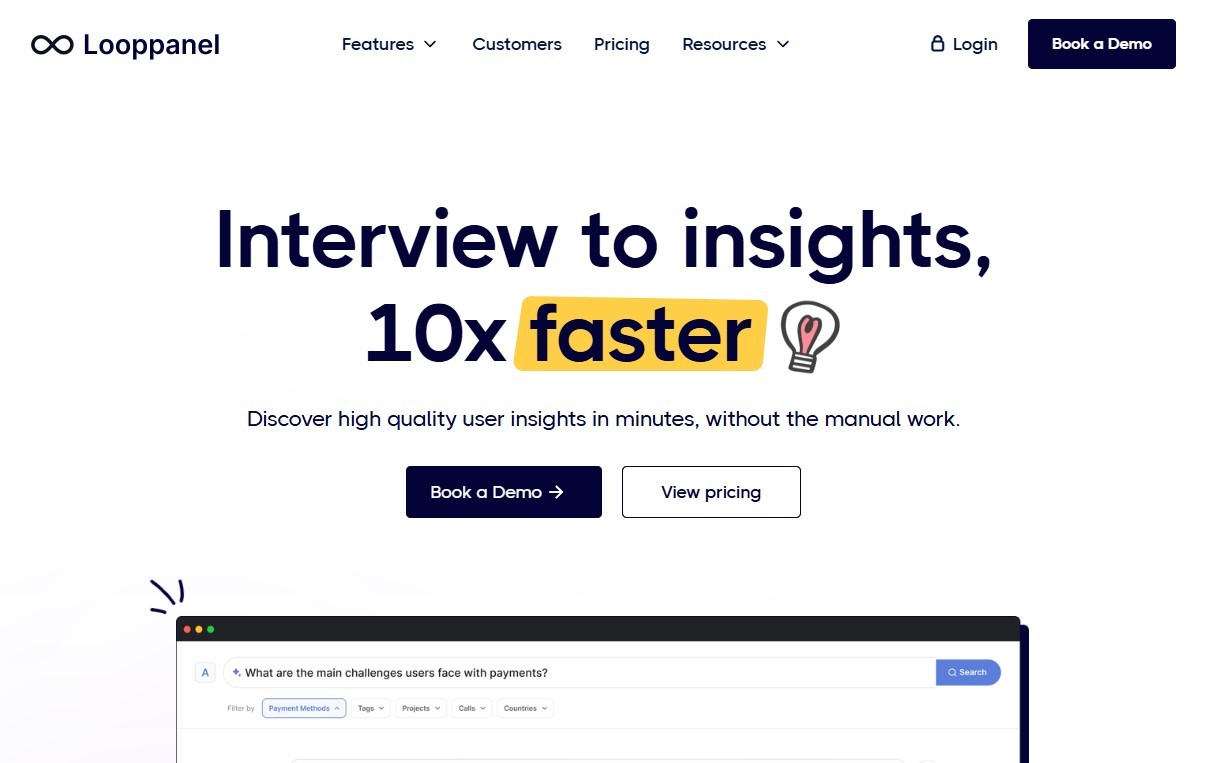
LoopPanel is purpose-built for post-interview analysis. It provides quick ways to annotate calls and share insights, and it's intuitive for small teams. Still, it doesn’t support complex workflows, other research methods, or advanced reporting needs.
Best for: Organizations seeking a comprehensive, scalable UX research platform with robust global testing capabilities.
Where it falls short: May have a steeper learning curve for new users and fewer integrations compared to some other platforms.
Optimal Workshop
Information Architecture Testing
Optimal Workshop continues to be a leader in information architecture research. Its suite supports open card sorting, closed card sorting, hybrid sorting, and tree testing. The visual reports give teams clarity about navigational structures, category patterns, and content organization. Optimal Workshop focuses on depth rather than breadth and does not expand into usability testing or interviews. It is often used as an add on tool within larger research workflows.
Best for: Information architecture testing and navigation design
Where it falls short: Limited to IA testing; lacks broader UX research capabilities
UserTesting
Information Architecture Testing
UserTesting offers both moderated and unmoderated studies with a large participant panel that covers many geographic regions. Its strength lies in rapid access to testers and the ability to run scenario based studies with video and audio. However, availability and cost vary by region. European teams sometimes face slower recruiting or higher pricing. Despite these challenges, UserTesting continues to provide one of the most extensive ecosystems for video based insights.
Best for: Real-time user feedback and qualitative insights
Where it falls short: Higher pricing, which can be prohibitive for smaller teams
Condens
Condens helps research teams organize qualitative data, tag findings, structure insights, and build a reusable research repository.
It is useful when a team’s main problem is scattered findings and limited research memory. Like Dovetail, it is stronger for synthesis and repository work than for running research methods directly.
Best for: qualitative repository structure.
Where it falls short: native testing and participant workflows.
UXtweak
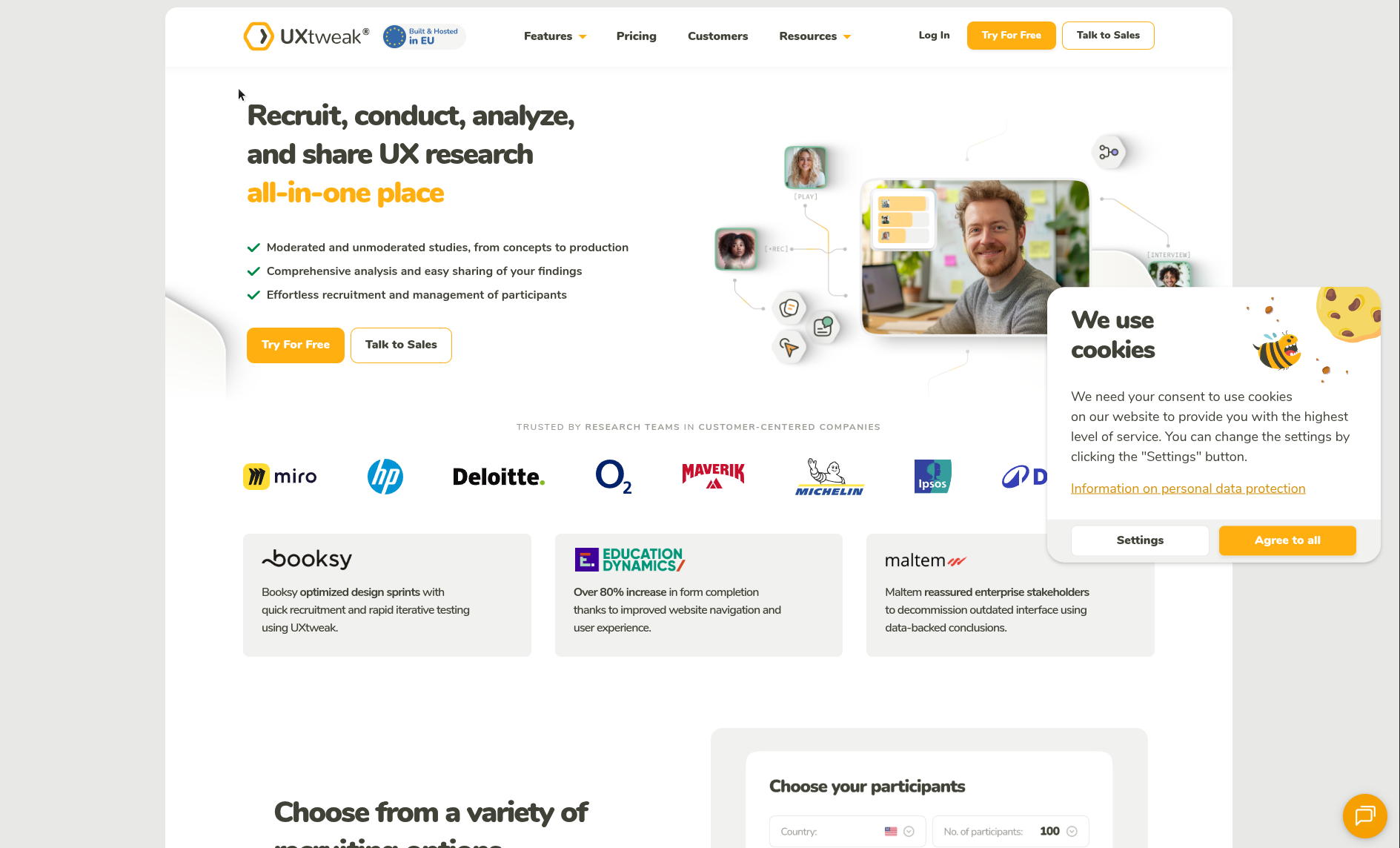
UXtweak offers a broad set of UX testing methods, including usability testing, surveys, card sorting, tree testing, and session recordings.
It is useful for teams that want multiple methods at accessible pricing. The trade-off is that broad toolkits can sometimes feel dense, especially for teams that want a more guided research workflow.
Best for: broad UX testing coverage.
Where it falls short: workflow simplicity and operating-layer depth.
Useberry
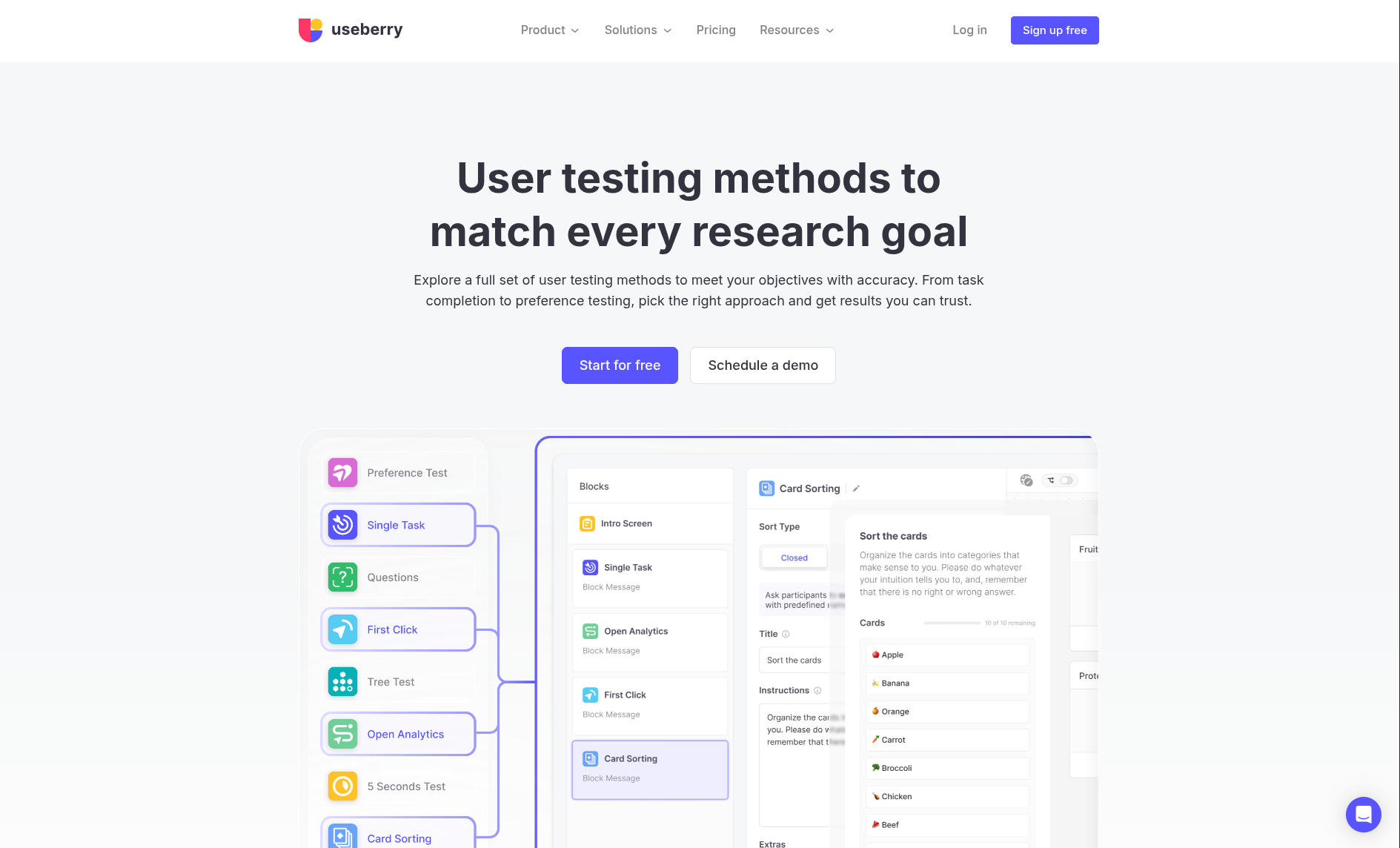
Useberry is focused on prototype testing and design validation. It works well for collecting feedback on Figma flows, clicks, and interactions.
It is useful for designers who want quick feedback without setting up a complex research process. It is not a complete research operating system.
Best for: lightweight prototype validation.
Where it falls short: research repository, reporting, and broader method coverage.
Fred
Unified, Insight-Driven, and Built for Scale
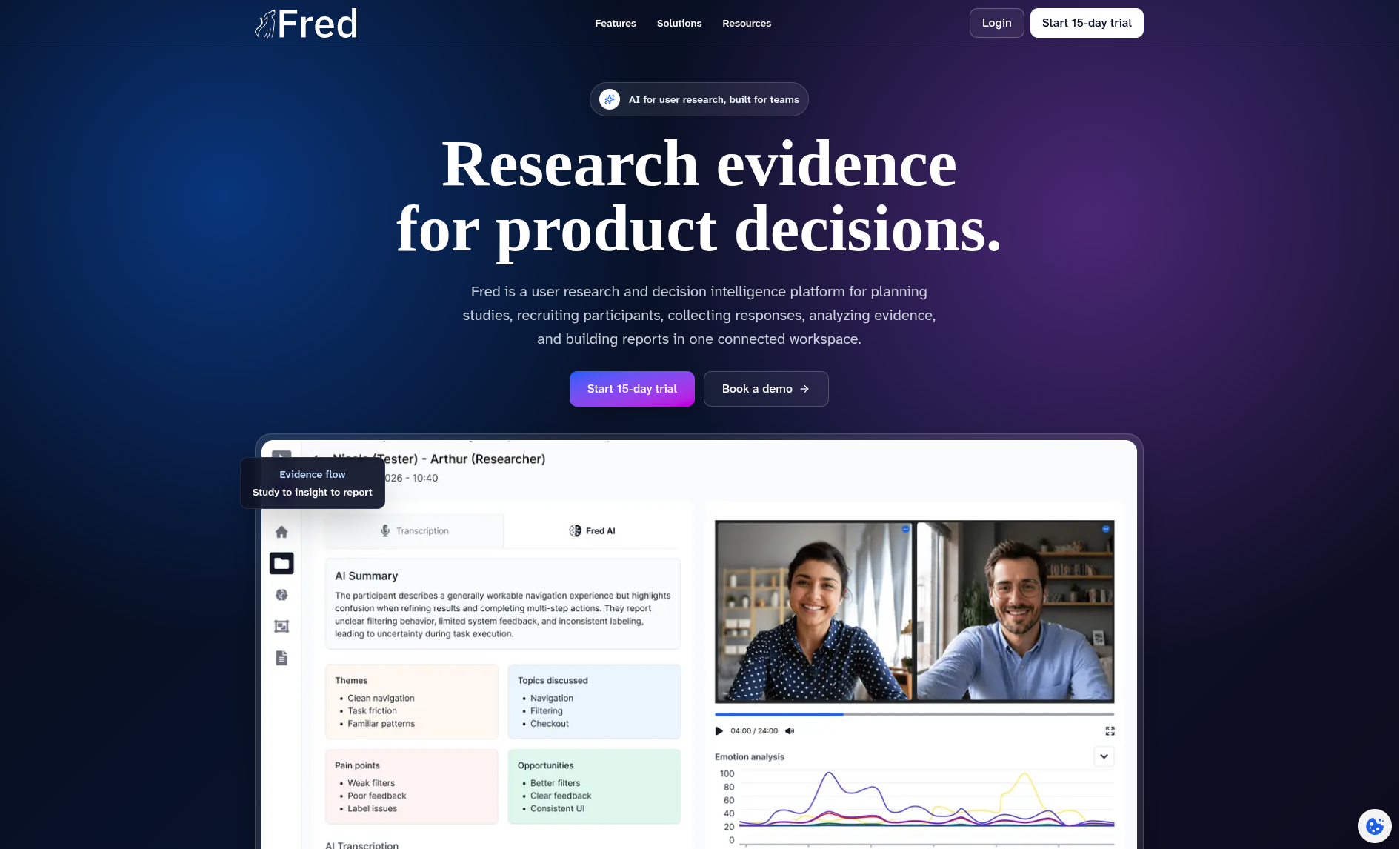
Fred is built as a research operating system for teams that want to manage the full research workflow in one connected environment.
It supports multiple research methods, including usability testing, card sorting, tree testing, first-click testing, 5-second tests, preference tests, surveys, and moderated research through UserSphere. It also connects study setup, participant context, AI-assisted analysis, repository work, collaboration, and reporting.
Fred is strongest when a team needs more than isolated test execution. It is designed for teams that want research evidence to remain connected from study setup to stakeholder-ready reporting.
Best for: teams that need an end-to-end research operating system.
Where it fits: product teams, UX research teams, agencies, organizations with recurring research operations, and teams that need evidence traceability.
Where it may not fit: teams that only need one narrow specialist feature and do not yet need a connected research workflow.
How to choose the right UX research tool
Start with the decision your team needs to support.
If you need to validate a prototype quickly, a lightweight testing tool may be enough.
If you need to understand how users organize information, choose an information architecture tool or a platform that supports card sorting and tree testing.
If you need to analyze large volumes of interviews, a repository or synthesis tool may be the right starting point.
If you need enterprise panels and video feedback at scale, a user testing platform may be appropriate.
If you need advanced survey logic and analytics, an enterprise survey platform may be the right fit.
If your team needs to manage research as a repeatable operating system, choose a platform that connects methods, participants, analysis, repository, collaboration, and reporting.
Recommended setup by team type
| Team Type | Recommended Approach | Why |
|---|---|---|
| Early product team | Research operating system or lightweight validation plus interviews | The team needs fast evidence without creating an unmanageable stack. |
| SaaS product team | Research operating system with specialist tools only when needed | SaaS teams need recurring validation, reporting, and evidence reuse. |
| UX research team | Research operating system or repository plus method tools | Dedicated researchers need method depth and long-term research memory. |
| Agency | Research operating system with strong reporting and collaboration | Agencies need repeatable workflows, client-ready outputs, and project separation. |
| Enterprise team | Enterprise testing, survey, repository, or operating system depending on maturity | Governance, scale, permissions, and reporting become critical. |
| EU or GDPR-sensitive team | Platforms with clear hosting, consent, retention, and data governance | Research data often includes personal and behavioral evidence. |
Common mistakes when choosing UX research tools
Choosing a tool before defining the research workflow
Many teams buy tools before defining what they need research to support. This creates stacks that look complete but do not help teams make decisions.
Start with the workflow: what decisions need evidence, what methods are needed, who participates, how findings are analyzed, and how recommendations reach stakeholders.
Buying too many disconnected tools
A stack made of disconnected tools can seem flexible, but it often creates hidden costs. Teams spend time exporting data, rebuilding reports, duplicating findings, and searching across platforms.
Fragmentation becomes especially expensive when research becomes recurring.
Treating repositories as archives
A repository is only useful if it supports active decision-making. If insights are stored but not reused, the repository becomes passive storage.
The goal is not just to save findings. The goal is to make evidence easier to inspect, reuse, and connect to future product decisions.
Ignoring reporting
Research has limited impact if stakeholders cannot understand it. A good research workflow should produce outputs that make evidence, interpretation, and recommended action clear.
A tool that collects data but does not help communicate findings leaves too much work to the researcher.
Over-trusting AI summaries
AI can speed up synthesis, but it should not be treated as final judgment. Researchers still need to inspect source material, evaluate context, challenge patterns, and decide what becomes an insight.
The strongest AI workflows are reviewable, editable, and source-aware.
Ignoring compliance until procurement
Compliance should not be an afterthought. Consent, data hosting, access control, retention, and processing terms matter from the first study, especially when teams handle recordings, transcripts, participant data, or sensitive product feedback.
Where Fred fits
Fred is built for teams that need a research operating system rather than another disconnected research tool.
It connects study planning, participant workflows, multiple research methods, AI-assisted analysis, repository work, collaboration, and stakeholder-ready reporting. The goal is to keep research evidence connected to the context that produced it and the product decisions it supports.
Fred is not positioned as a single-purpose testing tool. It is designed for teams that want research to become an operating rhythm across product discovery, validation, synthesis, reporting, and decision-making.
Specialist tools still have a place. A team may choose Maze for fast design validation, Dovetail for repository work, Optimal Workshop for information architecture, or Qualtrics for advanced surveys.
Fred becomes relevant when the team needs the broader layer: one workflow for research evidence, analysis, reports, and decisions.
Final recommendation
There is no single best UX research tool for every team.
The right choice depends on the maturity of your research practice, the decisions you need to support, the methods you use, the evidence you collect, the stakeholders you serve, and the governance requirements you face.
Use specialist tools when the problem is narrow. Use repository tools when your biggest issue is insight storage and synthesis. Use enterprise platforms when scale, panels, and governance are the priority.
Choose a research operating system when your team needs to connect the full workflow: planning, methods, participants, evidence, analysis, repository, collaboration, reporting, and product decisions.
Frequently Asked Questions About UX Research Tools in 2026
What is the best UX research tool?
The best UX research tool depends on your workflow. Maze is strong for rapid prototype testing, Dovetail is strong for research repositories, UserTesting is strong for video-based feedback, Optimal Workshop is strong for information architecture, Qualtrics is strong for enterprise surveys, and Fred is strong for teams that need a connected research operating system.
What is the difference between a UX research tool and a research operating system?
A UX research tool usually solves a specific task, such as testing prototypes, running surveys, storing insights, or analyzing interviews. A research operating system connects the broader workflow: study planning, methods, participants, evidence, analysis, repository, collaboration, and reporting.
What should product teams consider before choosing UX research software?
It depends on the team’s maturity and workflow complexity. Specialist tools are useful for narrow needs. A connected platform is more useful when research becomes recurring, cross-functional, and tied to product decisions.
How should teams evaluate AI features in UX research tools?
Teams should look for AI features that are transparent, editable, and connected to source evidence. AI should help researchers summarize, tag, cluster, and draft, but final interpretation should remain under human control.
What should European teams consider when choosing UX research software?
European teams should evaluate GDPR readiness, data hosting, consent workflows, retention policies, access control, processing terms, and whether research evidence can be handled securely across studies and reports.
Ready to turn research into product decisions?
Fred helps product and research teams manage the full research workflow in one connected environment: study planning, multiple methods, participant context, AI-assisted synthesis, insight organization, collaboration, and stakeholder-ready reporting.